
Expense tracker · iOS & Android

Stop guessing.
Take control
of your money.

Log spending in seconds, pick a budget that fits you and see where every dollar goes, with Mo, the little wallet that keeps you company.

Free to download. AI scanning and voice entry are part of Mocy Pro.
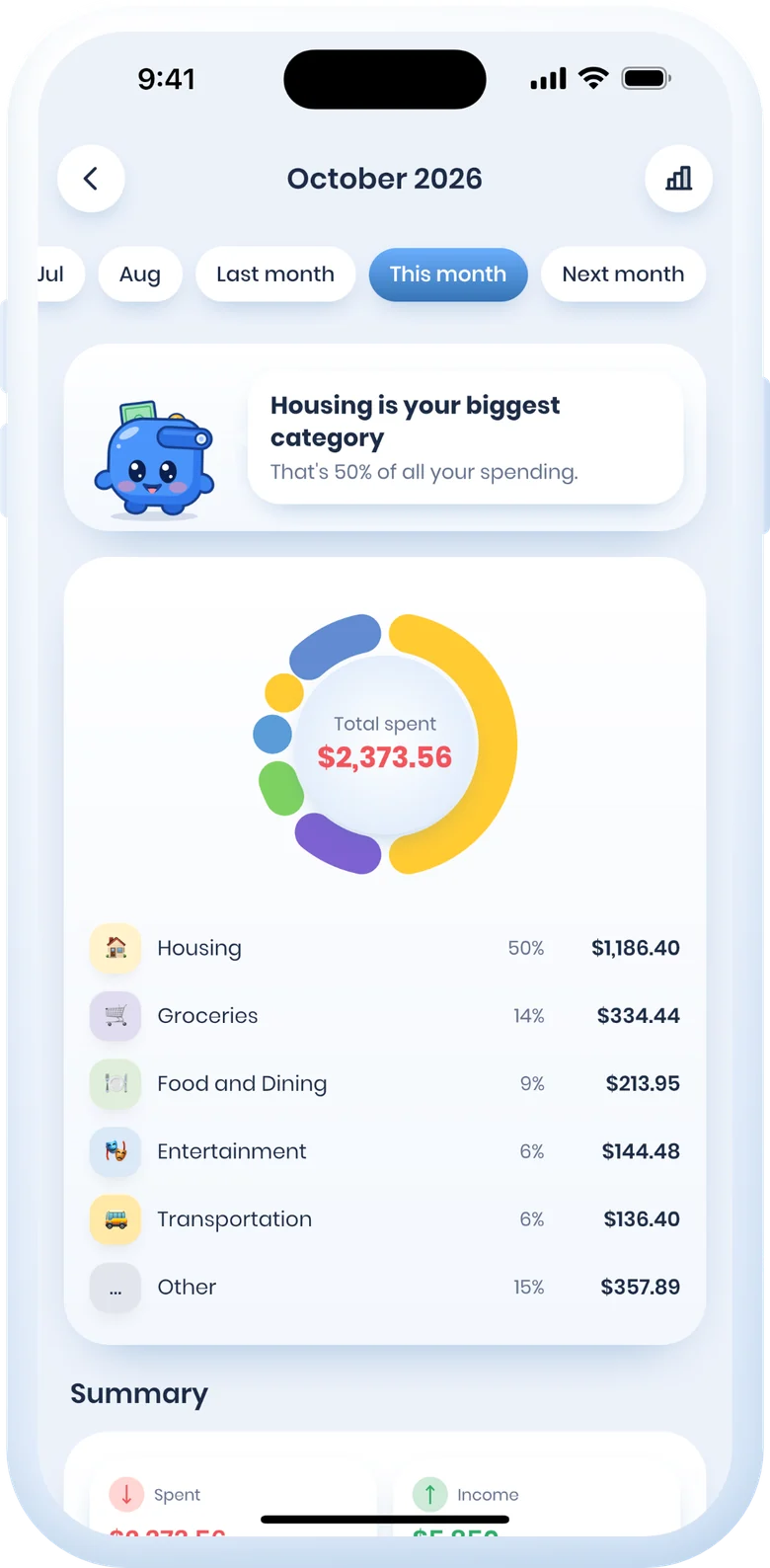
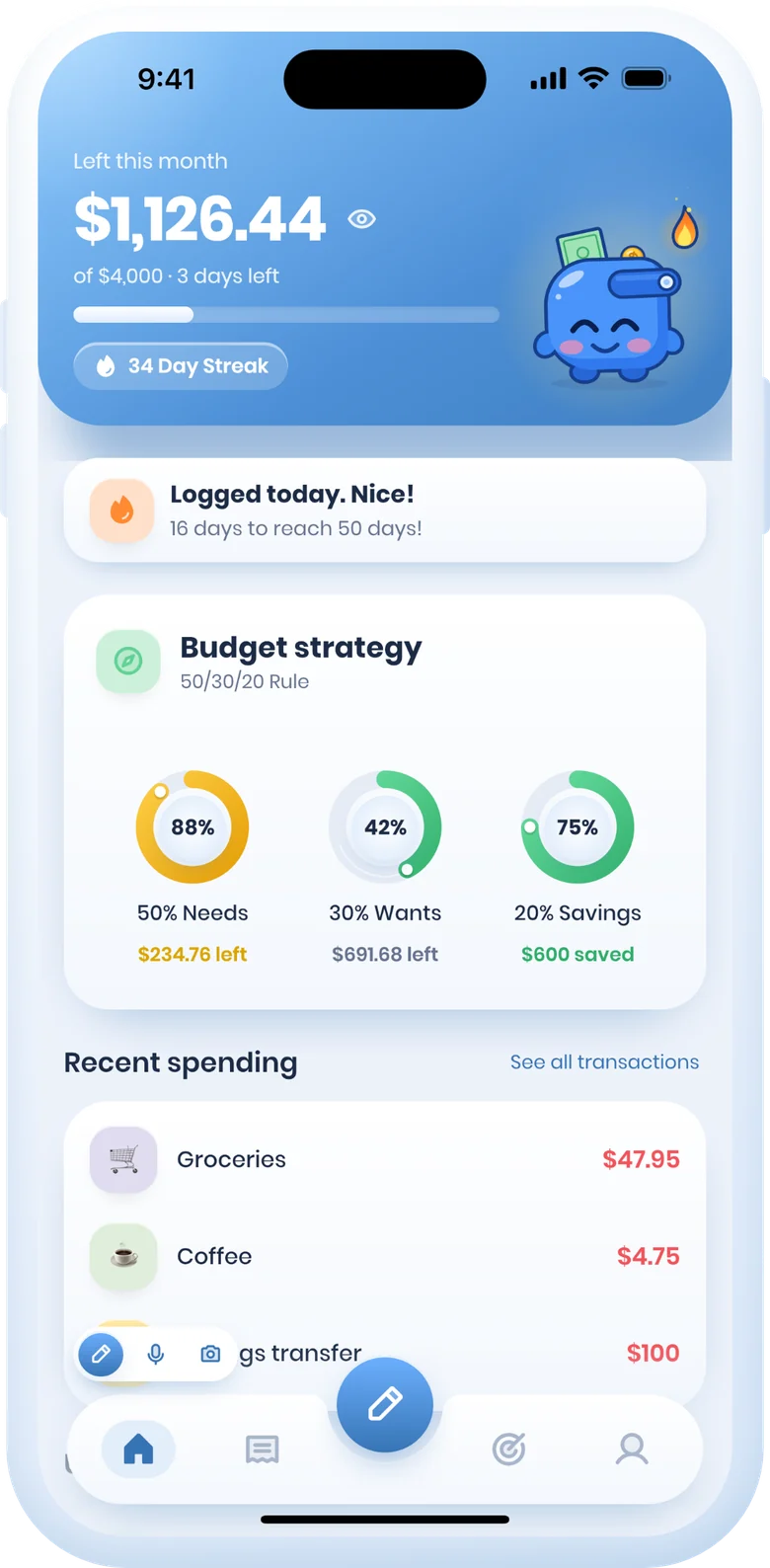
Mocy's spending report: a category donut and totals for October Mocy's Home screen: what's left this month, a 34-day streak and the 50/30/20 budget Mo, Mocy's wallet mascot, waving
Streak34 days
Saved this month$600
4budget methods
132currencies
9languages
2platforms, one synced account
Log in seconds

Snap it, say it, done.

Three ways to log a purchase. Pick whichever is easiest in the moment.

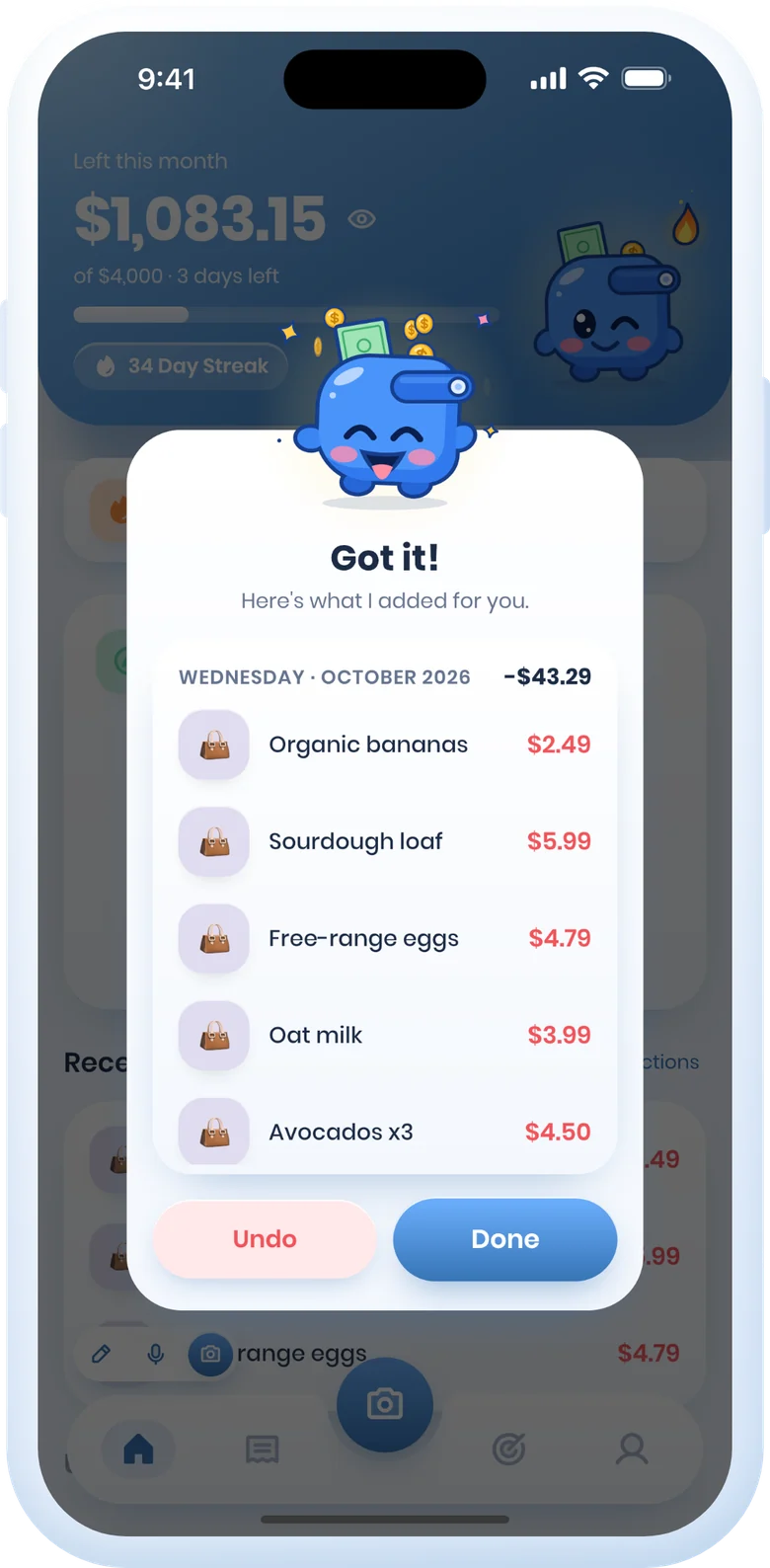
A scanned receipt filed as line items: Organic bananas, Sourdough loaf, Free-range eggs

Snap a receipt

Point the camera at a receipt and every line item is filled in for you.
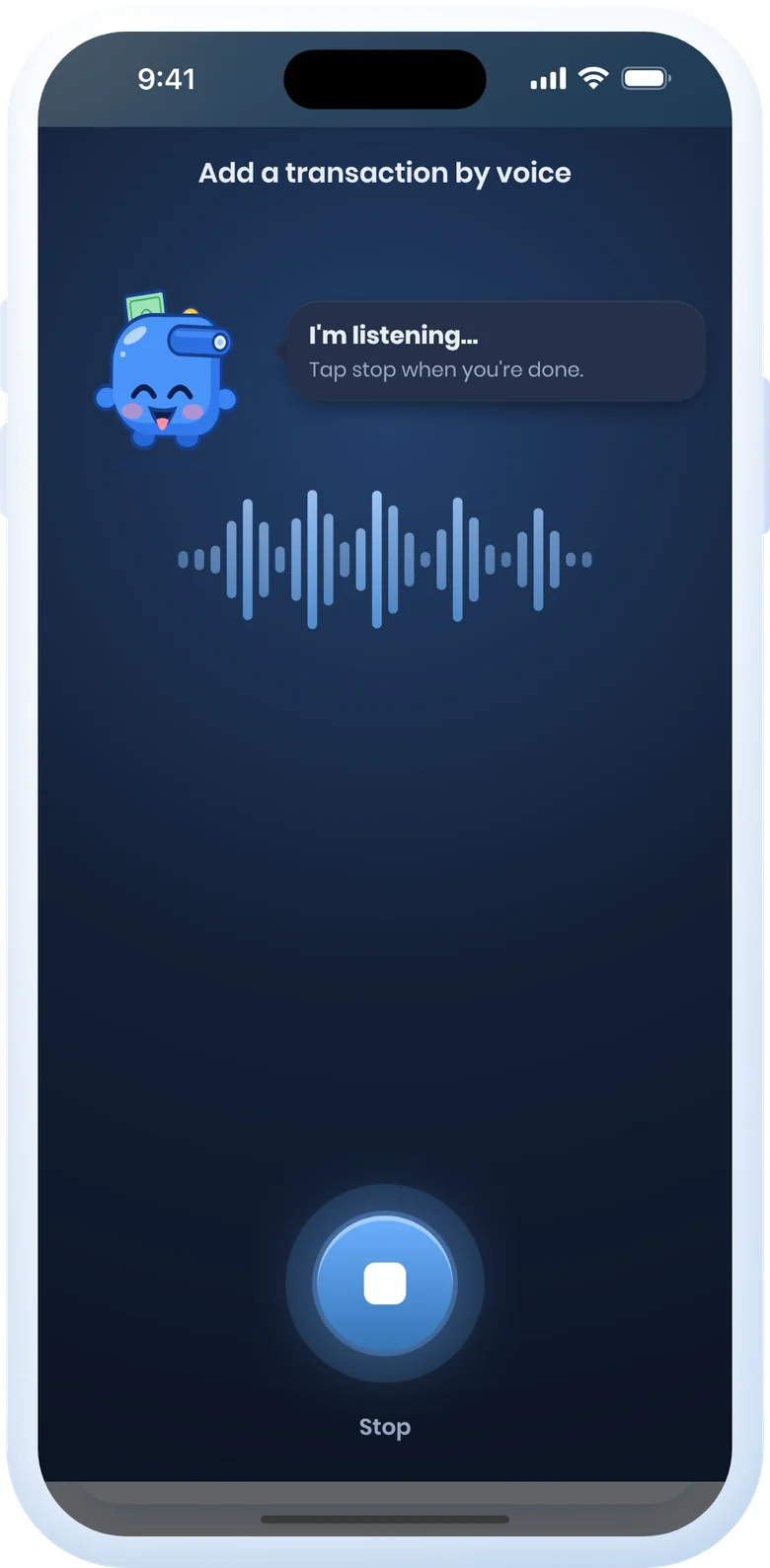
Voice entry listening, with Mo and a waveform

Just say it

Tell Mocy what you spent, the way you'd tell a friend, and it logs it.

Add from your home screen

Quick-add widgets and shortcuts open straight to typing, voice or the camera.

See it in motion

Your whole money life, one app.

Home

Know what's left, at a glance

What you can still spend this month, your budget's buckets and your latest spending, on one calm screen.

Home screen
Reports

See where it all went

A clear breakdown by category for any month or date range, with Mo pointing out your biggest one.

Spending report
Plans

Goals, debts and loans together

Savings goals with progress you can see, plus what you owe and what you're owed, with reminders before it's due.
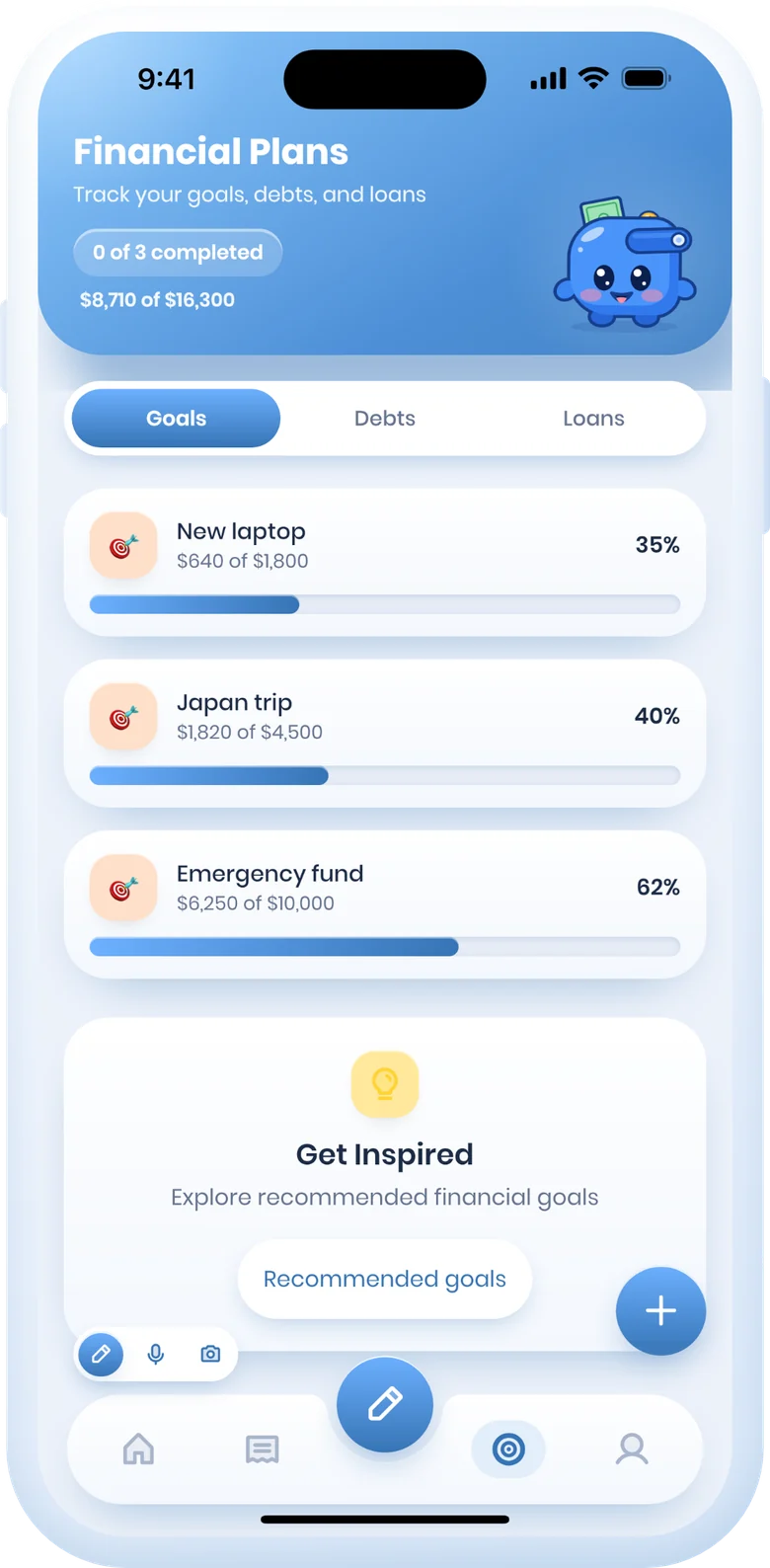
Financial plans
Transactions

A month you can read

Every day grouped and totalled, with inflow, outflow and your net balance up top.
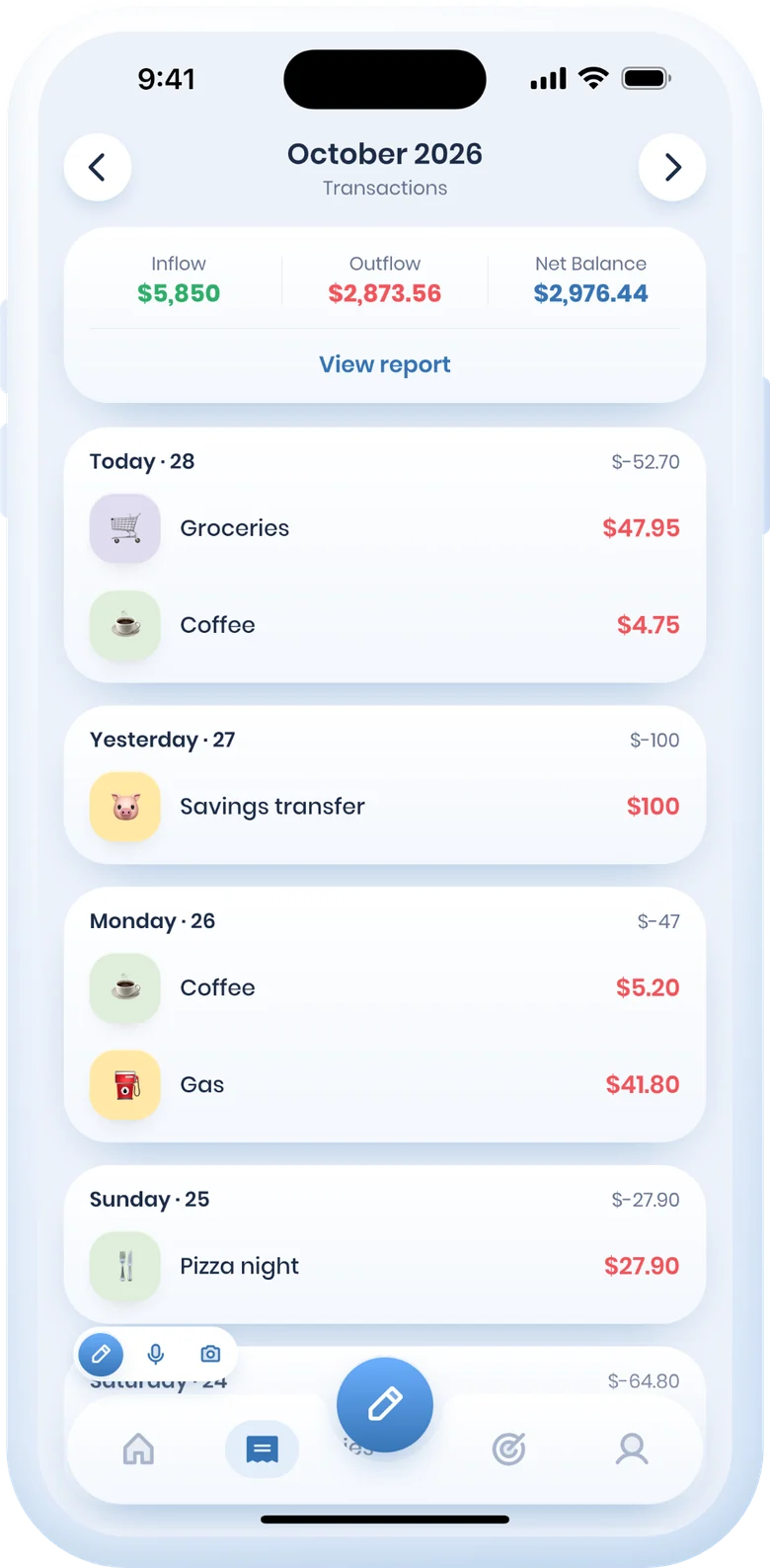
October's transactions
Home screen Spending report Financial plans with three savings goals October's transactions, grouped by day
Four budget methods

A budget that fits you.

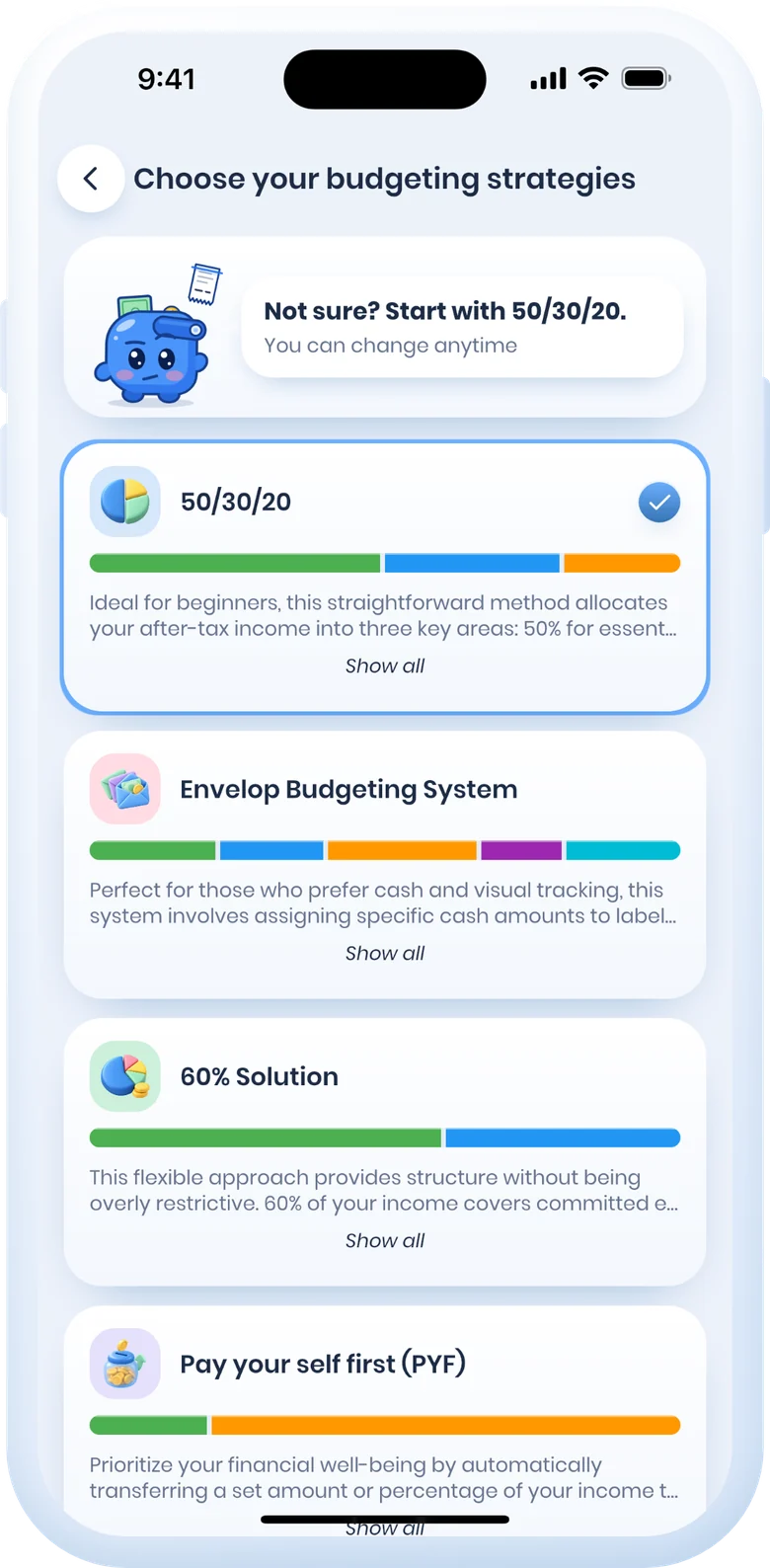
Pick a method and Mocy runs it for you, bucket by bucket, all month long.
50/30/20Needs, wants and savings, balanced for you.
EnvelopesA set amount for every category.
60% solutionLive on 60%, split the rest.
Pay yourself firstSavings come off the top.
Choosing a budget strategy, with 50/30/20 selected
Meet Mo

A little wallet with a big heart.

Mo is the wallet from our logo. It shows up where it helps and stays out of the way when you're entering amounts.


Mo waving
Says hiwhen you open the app
Mo thinking
Thinkswhile AI reads your receipt
Mo cheering
Cheerswhen you reach a goal
Mo with the streak flame
Guardsyour daily streak
Mo covering its eyes
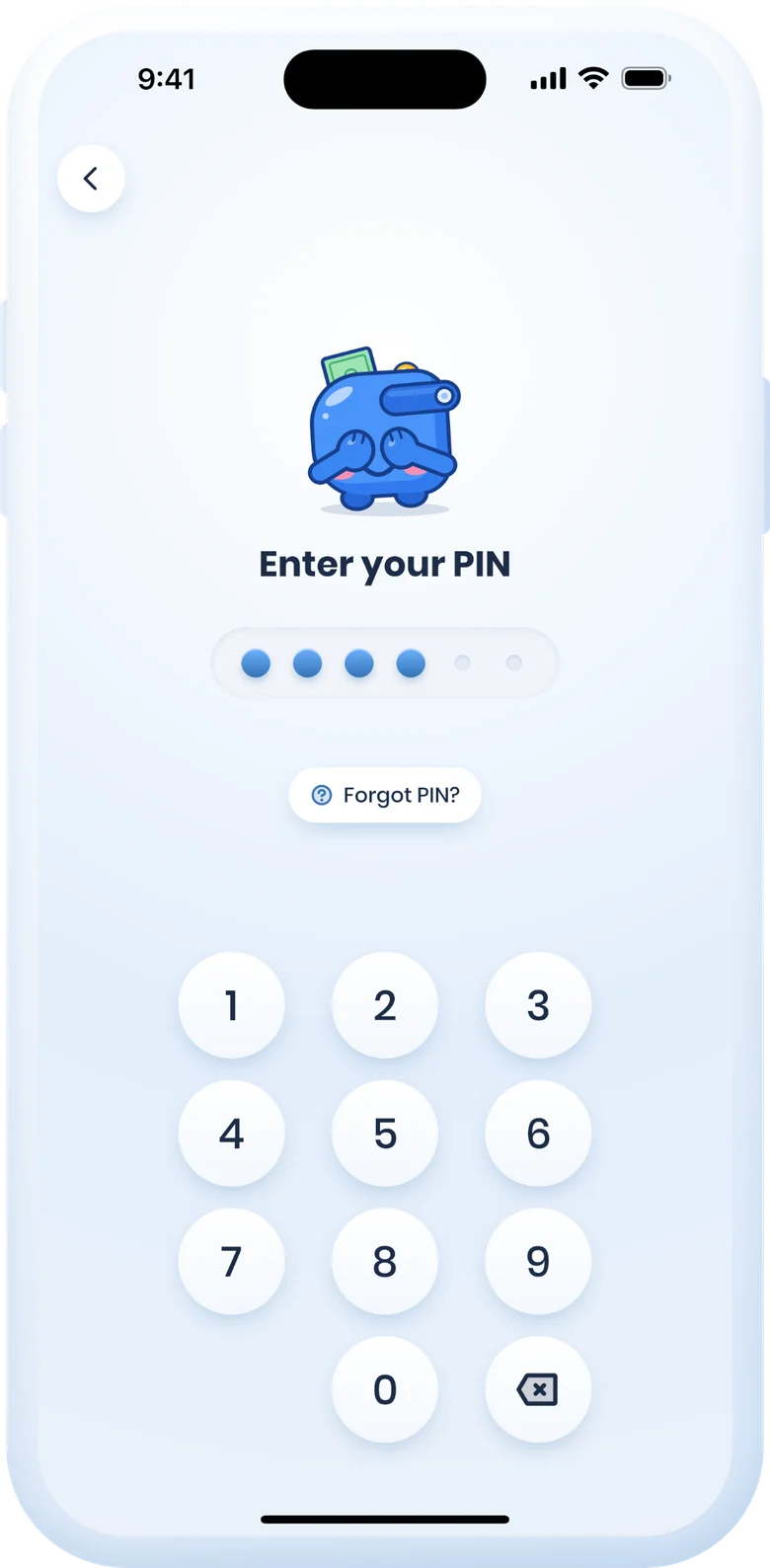
Won't peekwhile you type your PIN
Mo asleep in a nightcap
Napson screens with nothing yet
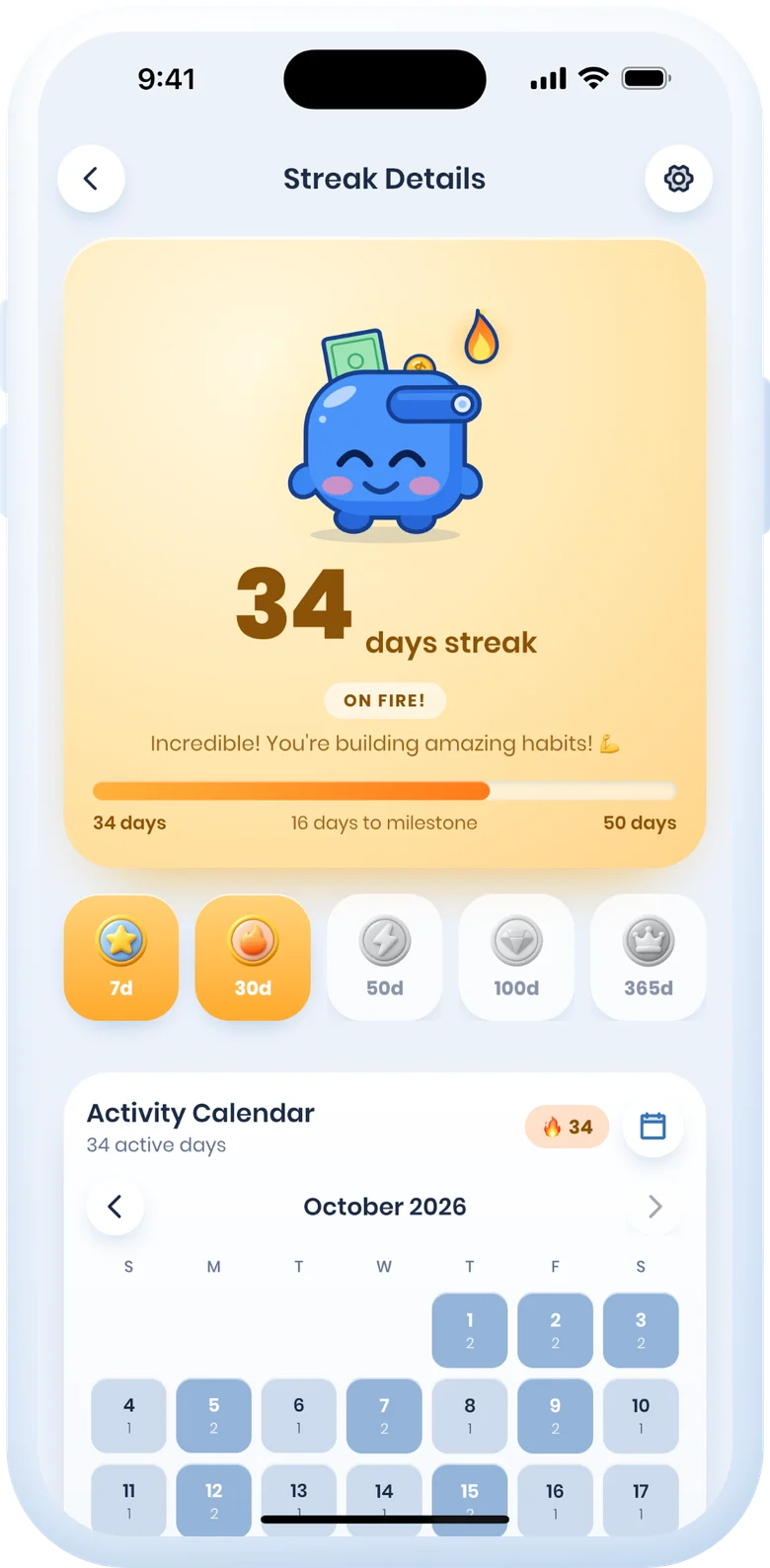
Streak details: a 34-day streak, medals and the activity calendar
Build the habit

Don't break the chain.

Log once a day and your streak grows. Medals mark the milestones, the calendar shows every day you showed up, and a reminder nudges you before the day ends.

  • Daily streaks and a streak calendar
  • Milestone medals at 7, 30, 50, 100 and 365 days
  • Share a milestone when you hit one
On your home screen

Check in without opening the app.

Pin the numbers you actually look at. Mo's mood follows your budget: happy when you're on track, worried when it's running low.


Current budgetWhat's left this month
Budget strategyYour buckets, live
Recent spendingPlus one-tap logging
RenewalsBefore a subscription charges you

7 widgets on Android, 4 on iOS. Tap one to jump straight to that screen.

Yours alone

Your PIN. Mo won't peek.

  • PIN, Face ID, Touch ID or fingerprint lock
  • Sign in with Apple or Google; your data syncs across your devices
  • Export everything to CSV whenever you like
  • Delete your account and data at any time in the app
The PIN screen, with Mo covering its eyes

Take control of your money,
starting today.

Free to download on iOS and Android. Mocy Pro adds AI receipt scanning and voice entry when you're ready.